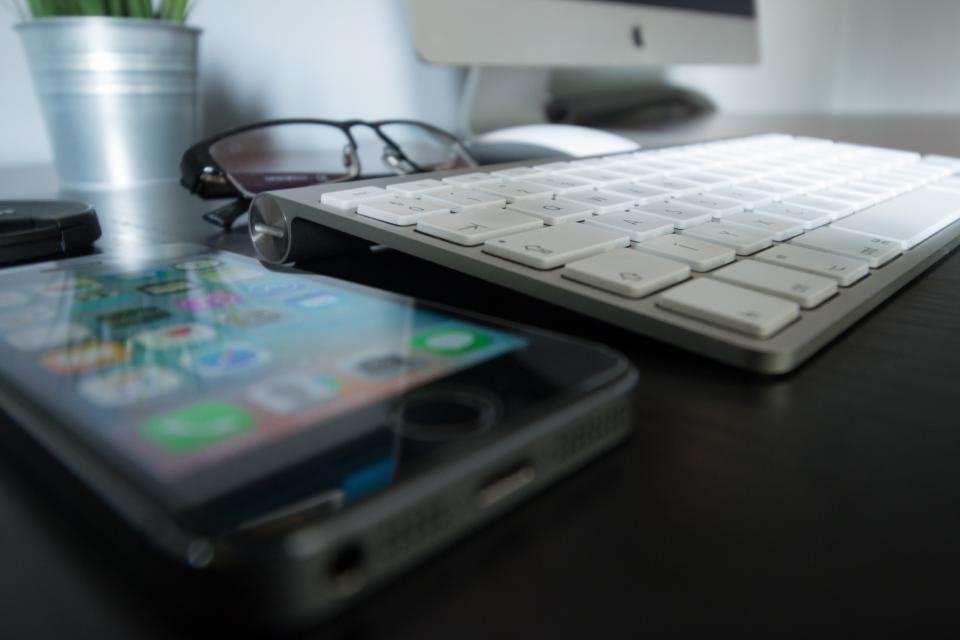
"Digital eye strain" (or computer vision syndrome) is the cluster of symptoms a lot of us recognise by 4pm: dry or gritty eyes, blurring, a dull ache behind the eyes, and sometimes a headache or stiff neck. The reassuring part is that it's temporary and largely mechanical — and most of the fixes cost nothing.
What digital eye strain actually is
Three things are doing most of the damage:
- You stop blinking. Concentrating on a screen reduces your blink rate substantially, and many blinks become partial. Less blinking means the tear film evaporates — hence the dryness.
- You never change focus. The focusing muscles hold one close distance for hours, which is fatiguing in the same way holding any muscle contracted is.
- Glare and contrast. A reflective screen, a bright window behind it, or a bright screen in a dark room all force your eyes to work harder.
Notice that screen light itself isn't top of the list. That matters for what actually works.
The 20-20-20 rule
The single most-recommended habit, and it's free: every 20 minutes, look at something about 20 feet (6 metres) away for at least 20 seconds. That's it. It lets the focusing muscles relax and reminds you to blink properly.
You don't need a timer if your desk has a distant view — glance out of the window at the end of each task. This is one more argument for placing the desk near a window, as in our lighting guide.
Pair it with a deliberate habit of full blinks — a few slow, complete blinks whenever you notice dryness — and you've addressed two of the three causes.
Fix the glare first
Before changing any setting, look at a dark area of your screen. If you can see the window or a lamp reflected in it, that's glare, and it's making your eyes work harder all day. The fixes:
- Position the desk side-on to the window — not facing it, not backing onto it.
- Add a light-filtering blind or curtain for the brightest part of the day.
- Avoid a bright screen in a dark room. A dim ambient light behind the screen reduces the harsh contrast between screen and surroundings.
- Never put a bright light directly behind or above the screen where it shines toward you.
Screen settings that help
- Match brightness to the room. Your screen shouldn't glow like a lamp in a dim room, nor look grey next to a bright window. Adjust it as daylight changes.
- Increase text size. Leaning in to read small type is a major and completely unnecessary source of strain — and it wrecks your posture too.
- Turn contrast up, not down. Crisp dark-on-light text is easier to resolve than washed-out grey.
- Get the geometry right. Screen an arm's length away, top of the screen at or just below eye level — see monitor height and distance.
- Keep the screen clean. Dust and smears scatter light and reduce contrast more than people expect.
The blue-light glasses question
Here's where the popular advice and the evidence part ways. Blue-light filtering lenses are marketed hard for eye strain, but systematic reviews of clinical trials have generally found little to no benefit for reducing digital eye strain. That fits what we know about the causes: the discomfort comes mainly from reduced blinking, glare and sustained close focus — none of which a filter addresses.
Blue light's effect on sleep is a separate question. If you work late, reducing screen brightness in the evening and using a warm colour mode is reasonable, but that's about sleep timing, not eye strain. If you're spending money, an up-to-date prescription and a well-lit, glare-free desk will do far more.
When to see someone
Eye strain from screens is temporary and shouldn't persist once you stop. If you have ongoing headaches, blurred vision that doesn't settle, double vision, or eye pain — or if you haven't had an eye test in a couple of years — see an optometrist. Often the real culprit is an out-of-date prescription, and no amount of good habits will fix that.
Look away every twenty minutes, kill the glare, size the text up, and get the screen an arm's length away at eye level. That's the whole list — and it costs nothing.
Frequently asked questions
What is the 20-20-20 rule?
Every 20 minutes, look at something about 20 feet (6 metres) away for at least 20 seconds. It gives the focusing muscles in your eyes a rest from close work and prompts you to blink properly, which is why it's the most widely recommended habit for screen users.
Do blue light glasses help with eye strain?
The evidence is weak. Reviews of clinical trials have generally found little benefit from blue-light filtering lenses for eye strain. Screen-related discomfort seems to come mostly from reduced blinking, glare and long periods of close focus — so breaks, brightness and glare control help far more.
Why do my eyes feel dry when I look at a screen?
Because you blink far less when concentrating on a screen, and often less completely, so the tear film evaporates. Deliberate full blinks, regular breaks, and avoiding air blowing directly at your face all help.