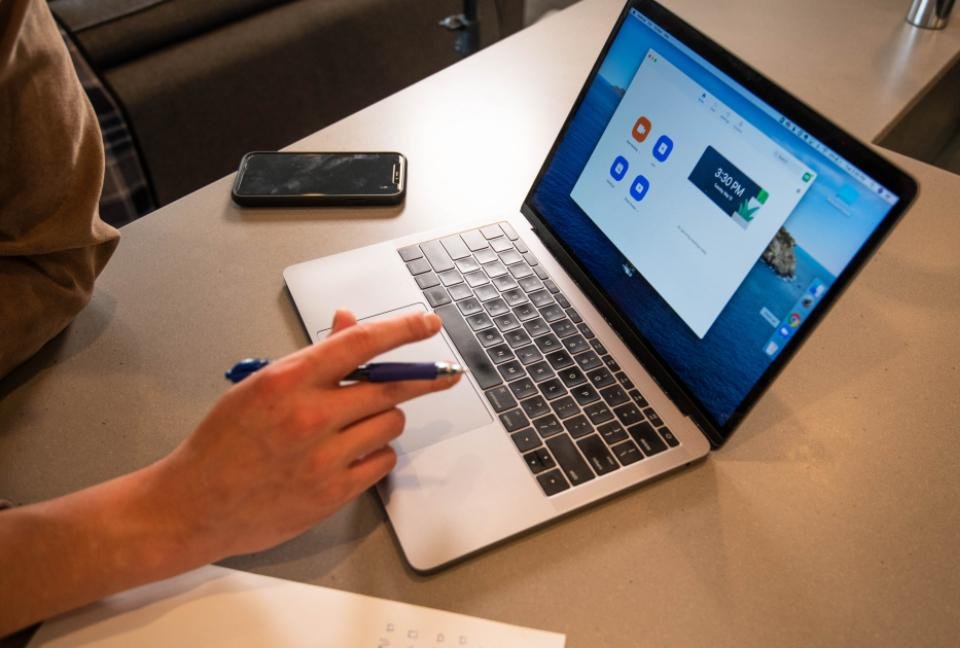
Half of looking professional on a video call is just not making the three obvious mistakes: the camera pointing up your nose, a window turning you into a shadow, and a background that's quietly stealing the meeting. Fix those and you're ahead of most of the call — no ring light required.
Get the camera to eye level
A laptop on a desk points its camera up at your chin and ceiling — the least flattering angle there is. Raise the laptop until the camera sits at or just above your eyeline, on a stand or a stack of books, and use an external keyboard so you can still type comfortably (the same fix as our ergonomic setup). Now the camera looks slightly down at you, and you're looking straight into it. Sit an arm's length back so you're framed from the chest up, not filling the screen.
Put the light in front of you
Lighting is where most home calls go wrong, and it's the easiest thing to fix. The rule: the main light belongs in front of your face, not behind it.
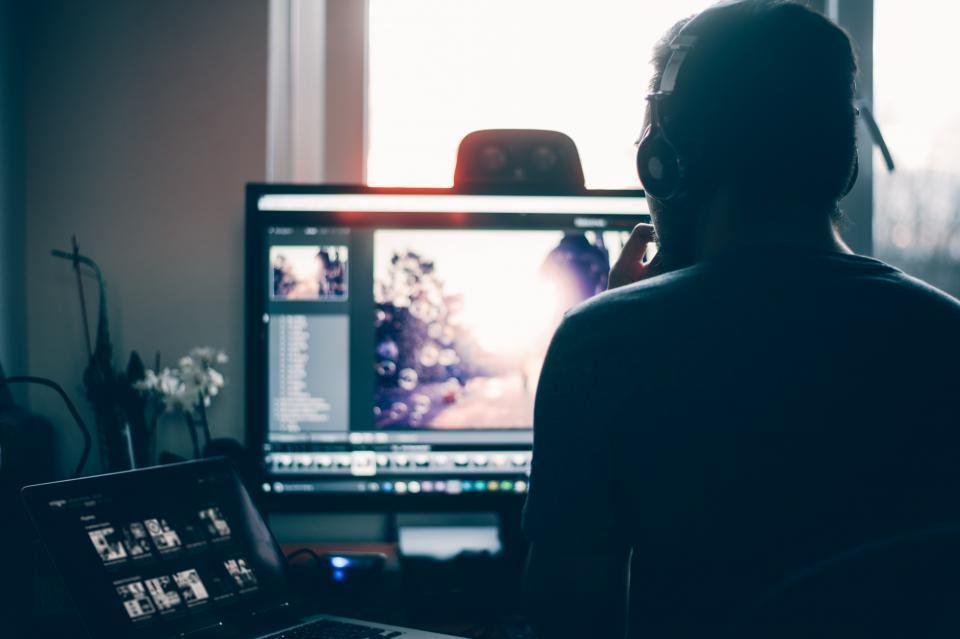
Face a window and you get soft, even, flattering daylight for free. If there's no usable window, put a lamp in front of you and bounce it off the wall or ceiling so the light is soft rather than a hard spotlight. Kill any bright light or window directly behind you — that's what creates the shadow-face. After dark, one warm light slightly above eye level does the whole job.
Fix the background
People read your background whether you want them to or not, so make it deliberate:
- Point the camera at your tidiest wall or a simple bookshelf. Depth behind you looks better than a flat wall an inch from your head.
- Clear only what's in frame — you don't need to tidy the whole room, just the slice the camera sees.
- Add one point of interest: a plant, a piece of art, a lamp. One is styling; five is clutter.
- Prefer a real background to a virtual one. Blur is fine; fake beaches and flickering green-screen edges are not.
Don't forget the sound
People forgive a mediocre picture far sooner than bad audio. A cheap pair of wired earbuds with a mic beats your laptop's built-in microphone, which picks up the whole room. Work in a soft-furnished space if you can — rugs, curtains and upholstery soak up the echo that makes a hard, empty room sound tinny.
Open your camera app before you join: camera at eye level, face lit from the front, background tidy in frame, earbuds in. Four things, half a minute, every time.
The cheap upgrades that matter
- A laptop stand (or books) to raise the camera — the single biggest improvement.
- Wired earbuds with a mic for clean, echo-free audio.
- One soft light you can place in front of you for dark afternoons.
- An external webcam only if you're on camera all day — otherwise the built-in one, raised and well lit, is plenty.
None of this is about vanity. Being easy to see and hear is a courtesy to everyone else on the call — and it quietly signals that you've got your act together. Camera up, light in front, background tidy: that's ninety percent of it, and it costs almost nothing.
Frequently asked questions
Where should the light be for a video call?
In front of you and slightly above eye level, facing your face — not behind you. A window you face, or a lamp bounced off the wall in front of you, gives soft, even light. A light or window behind you turns you into a silhouette.
How high should my webcam be?
At or just above eye level, so the camera looks slightly down at you rather than up your nose. Raise a laptop on a stand or a stack of books until the camera meets your eyeline.
How do I fix a messy background for video calls?
Point the camera at your tidiest wall or a simple bookshelf, clear the few things actually in frame, and add one point of interest such as a plant or a piece of art. A real, tidy background reads better than most virtual ones.